 Posted by
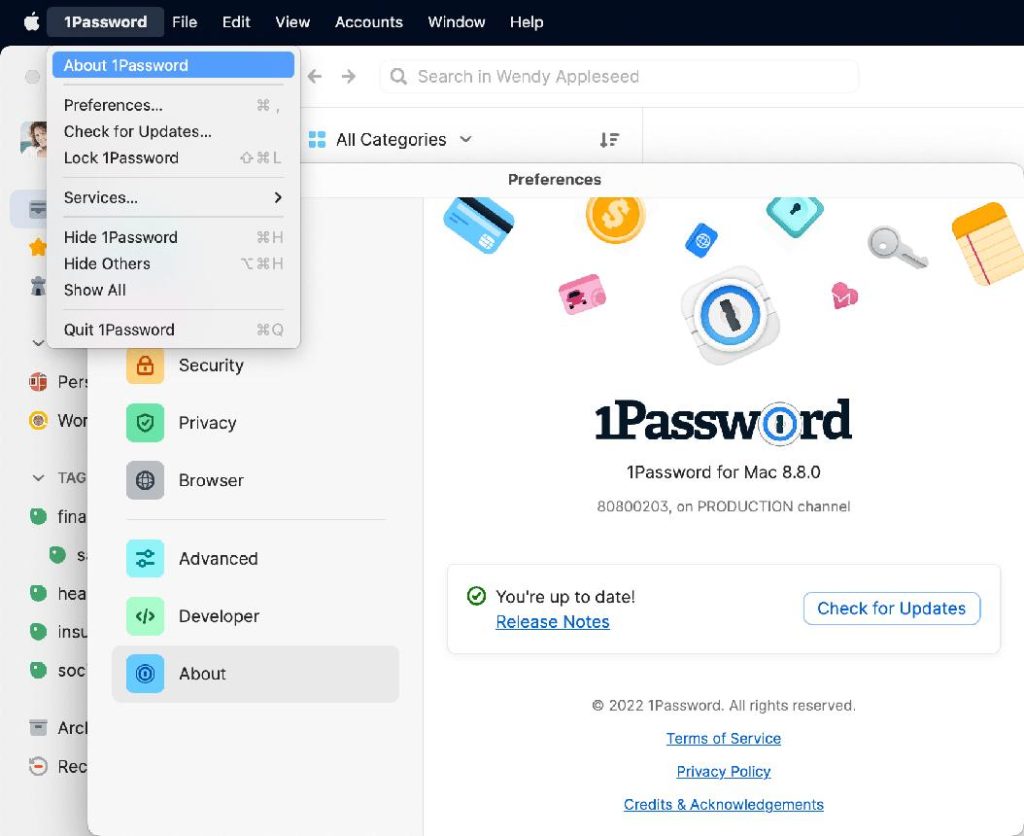
 1Password is a modern password manager and digital security platform designed to help users securely store passwords, manage sensitive information, and protect online accounts through encrypted vault technology. The software simplifies digital security by allowing users to organize login credentials, generate strong passwords, and securely access private data across multiple devices.
Main Features:
Secure Password Storage:
- Encrypted vaults for passwords and sensitive info
- Password autofill and strong password generation
- Login management and credential protection
Advanced Encryption Protection:
- End-to-end encryption with biometric authentication
- Device verification and secure note/document storage
- Protection against unauthorized access
Browser & Autofill Integration:
- Secure autofill and password suggestions
- Browser extension support for fast login access
- Payment form autofill for convenience
Cross-Device Synchronization:
- Multi-device access with cloud sync
- Desktop, mobile, and browser extension compatibility
- Automatic vault syncing for seamless access
Family & Team Collaboration:
- Shared vaults with permission controls
- Team management and secure credential sharing
- Organizational tools for households and businesses
Pros and Cons:
Pros:
- Strong encryption and security features
- Clean, beginner-friendly interface
- Reliable autofill and password generation
- Smooth cross-device synchronization
- Supports family and team collaboration
- Biometric login and secure authentication
Cons:
- Initial setup may take time for new users
- Limited advanced customization options
- Large vaults may require organization effort
- Some browser permissions may concern privacy users
- Internet improves syncing but is required for full functionality
- Advanced features may require configuration
Step-by-Step Guide:
- Install 1Password on desktop or mobile.
- Create a secure account with a master password and recovery options.
- Add passwords, secure notes, payment info, and documents.
- Install browser extensions for autofill and password suggestions.
- Generate strong, unique passwords with the built-in tool.
- Organize vaults for personal, work, family, or team use.
- Sync securely across all your devices.
Alternatives:
- Bitwarden: Open-source secure password manager
- Dashlane: Digital security with privacy tools
- LastPass: Popular autofill and credential manager
- KeePass: Offline manager with customization
- Apple Passwords: Built-in Apple device password management
Compatibility and Performance:
- Supports Windows, macOS, Linux, iOS, Android, and browsers
- Requires updated OS, modern browser, and stable internet for syncing
- Optimized for fast vault access and lightweight operation
- Smooth autofill and responsive browser integration
FAQs:
- What is 1Password? A secure password and sensitive data manager.
- Can it generate passwords? Yes, with a built-in password generator.
- Does it support autofill? Yes, via browser and mobile integrations.
- Is it available on mobile? Yes, for iPhone, iPad, and Android.
- Can it store documents and notes? Yes, securely within vaults.
- Does it support sharing? Yes, for families and teams.
- Is it secure? Yes, with advanced encryption and biometric authentication.
Conclusion:
1Password offers a secure, easy-to-use solution for managing passwords and sensitive information across devices. With encrypted vaults, strong password generation, autofill, and seamless syncing, it provides reliable protection and convenience for individuals, families, and teams.